YouGooDai
Mobile of the Day

YouGooDai

5.0 FREE
  • Screenshot 1
  • Screenshot 2
  • Screenshot 3
  • Screenshot 4
  • Screenshot 5

Description

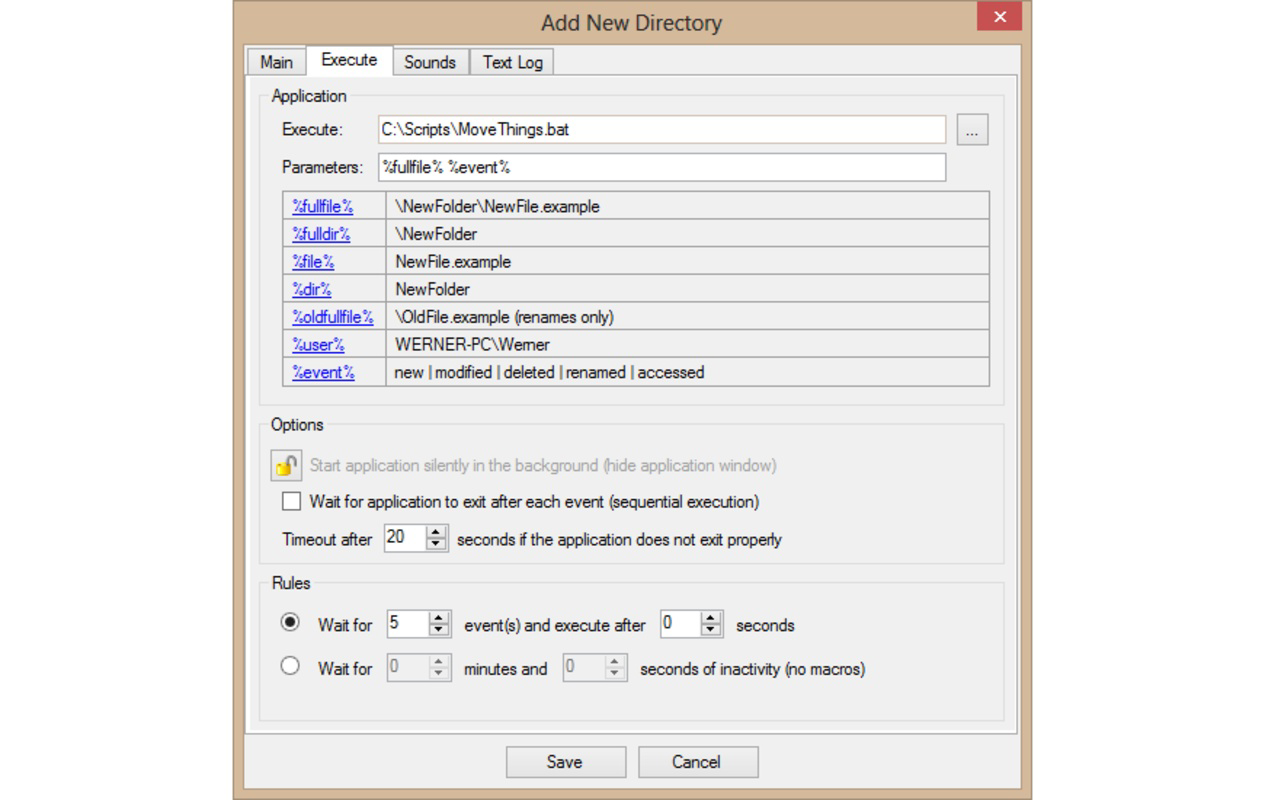
About Directory MonitorDirectory Monitor is a practical application designed for users who want to keep tabs on specific folders on their hard drives. It alerts you to any modifications, deletions, or additions, ensuring you are always informed about changes. This tool is particularly beneficial for methodical users who value organization and detail in their file management. Features of Directory Monitor - Real-time Monitoring: Directory Monitor provides immediate updates when changes occur in your selected folders. Whether it's file modifications, deletions, or additions, you'll receive alerts that allow you to respond quickly. This real-time capability enhances your ability to maintain control over crucial files. - Customizable Notifications: You can choose how you want to be notified about changes. Directory Monitor allows you to enable or disable notifications based on your preferences, making it easier to work without constant interruptions. This customization ensures that you only receive alerts that matter when you need them. - Activity Logging: The application keeps a comprehensive log of all activities within monitored folders. This log can be invaluable for tracking changes over time, allowing users to review past modifications or investigate unusual activities. It enhances accountability and offers insights into file management. - User-Friendly Interface: Directory Monitor features an intuitive interface that makes it easy to set up folder monitoring. You can quickly add and manage folders without unnecessary complexity, catering to users of all experience levels. This straightforward design promotes efficiency and ease of use. - Ideal for Methodical Users: Designed with meticulous users in mind, Directory Monitor assists those who prioritize organization and control over their files. Its monitoring capabilities ensure that you have a reliable tool at your disposal to manage your data effectively. This focus on detail makes it a valuable resource for professionals and organized users alike. Release Date of Directory Monitor 2025-05-28Reviewed by Jason A. BilbreyShow MoreShow Less

Guides & Tutorials for Directory Monitor

How to install Directory Monitor
  1. Click the Preview / Download button above.
  2. Once redirected, accept the terms and click Install.
  3. Wait for the Directory Monitor download to finish on your device.
How to use Directory Monitor

This software is primarily used for its core features described above. Open the app after installation to explore its capabilities.

User Reviews for Directory Monitor 0

    No reviews found

Similar Apps
